




























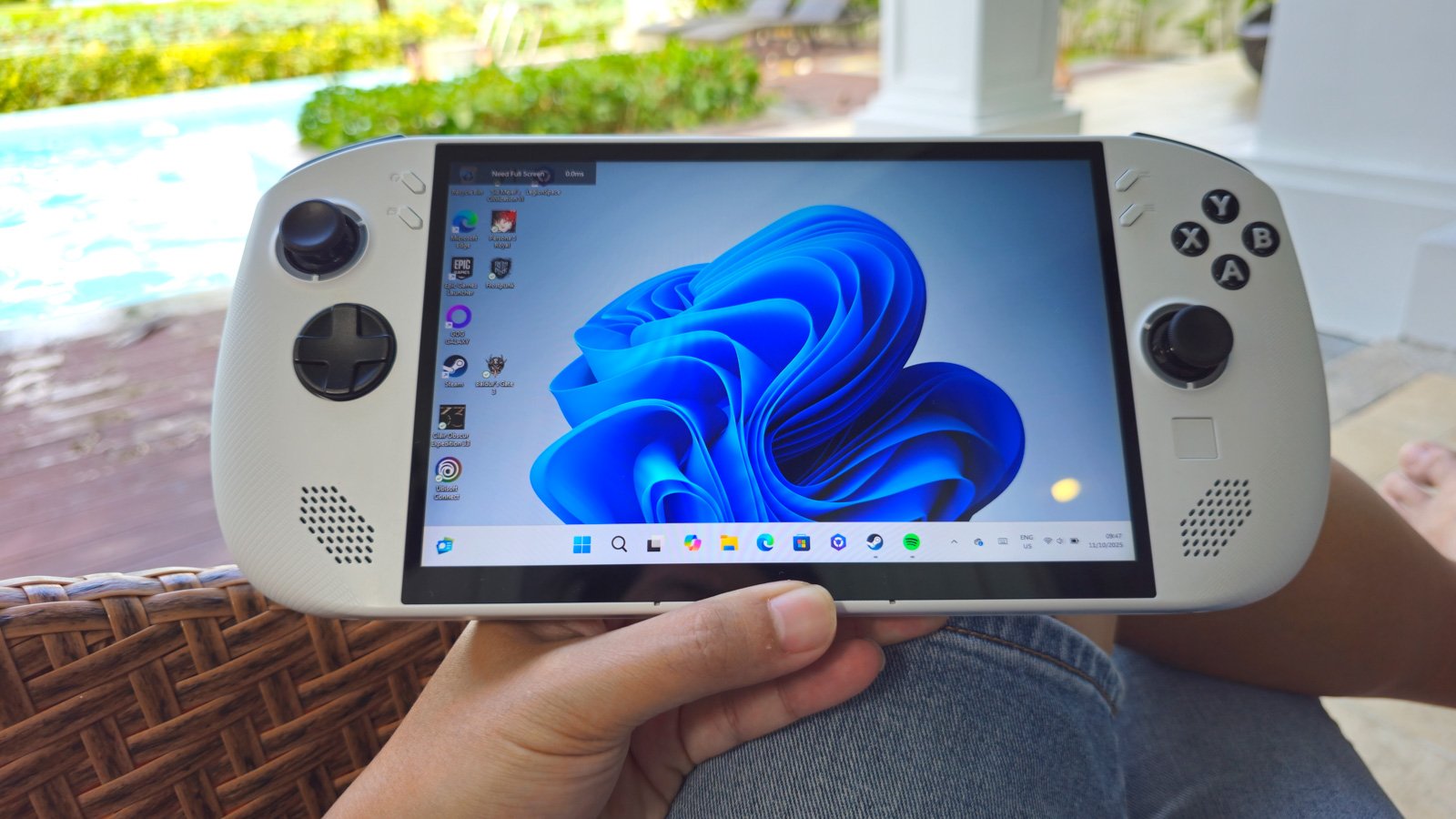
If you haven’t bought a handheld gaming PC yet, and you’re currently sitting on the fence wondering if you actually need one, you might want to read this first.
For the longest time, I was a dedicated PC and laptop gamer. I had my rig at home for the heavy lifting and a gaming laptop for when I travelled. But let’s be honest, hauling a gaming laptop around isn’t always the dream we pretend it is. You can’t exactly whip out a 16-inch laptop in a cramped economy flight seat.
This is where the handheld revolution comes in.
After spending significant time with the Lenovo Legion Go S, I’ve realized that owning a handheld isn’t just about playing games; it’s about reclaiming your time. It effectively turns those dead pockets of waiting time—the bus ride, the train commute, the flight, or sitting in the car waiting for your kids to finish their tuition classes—into productive play sessions. It makes the wait feel… short. Lol.
And let’s get real for a second: the versatility of these devices is unmatched. You can play on the bed, on the sofa while your partner watches Netflix, or even in the toilet (come on, im sure we all do it). It fills in the gaps of a busy life nicely. When you’re on the go and want to travel light but refuse to miss out on game time, a handheld is infinitely more convenient than a laptop. You can easily take it out, play for 15 minutes, and slide it back into your bag.
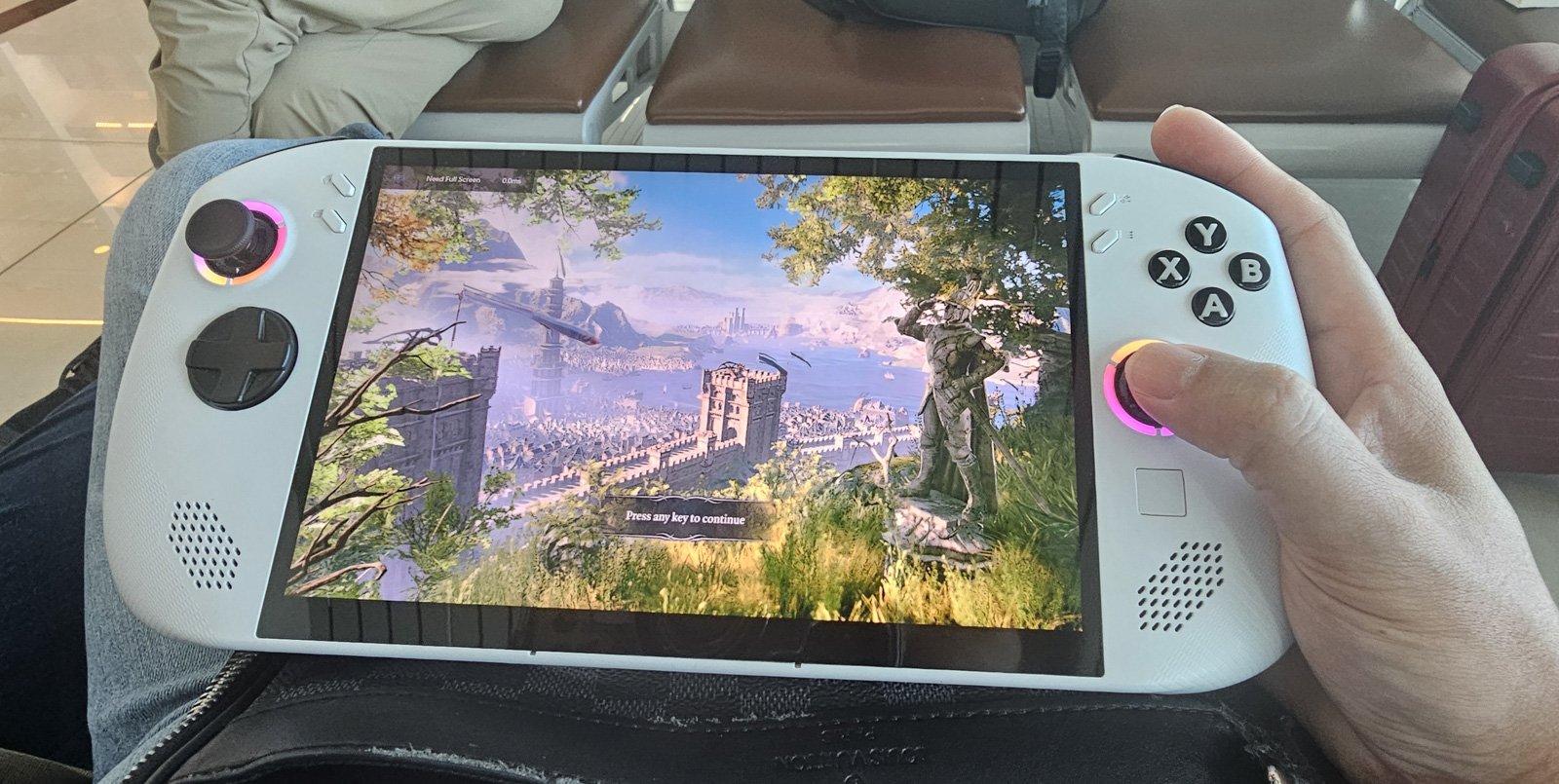
However, a quick heads-up on the “bag” situation: The Legion Go S, much like the ROG Ally or the original Legion Go, is significantly chunkier than a Nintendo Switch. If you’re planning to carry this around, you’re going to need a larger sling bag or a proper “man bag.” It’s not going to fit in your pocket unless you’re wearing cargo pants from the late 90s.
Today, we’re taking a deep dive into the Lenovo Legion Go S. Specifically, I’ve been testing the Windows 11 version, not the SteamOS variant. There’s a lot to love, a few things to consider, and a clear verdict on who this machine is actually for.
Design and Ergonomics: Solid, Yet Approachable
When you first pick up the Legion Go S, the first thing you notice is that it feels reassuringly well-built. Lenovo has moved away from the detachable “Joy-Con” style controllers of the original Legion Go (Gen 1) in favor of a fixed, unibody design. While some might miss the detachability, this change has resulted in a chassis that feels much sturdier. There’s no creaking, no wobble—just a solid slab of gaming potential.
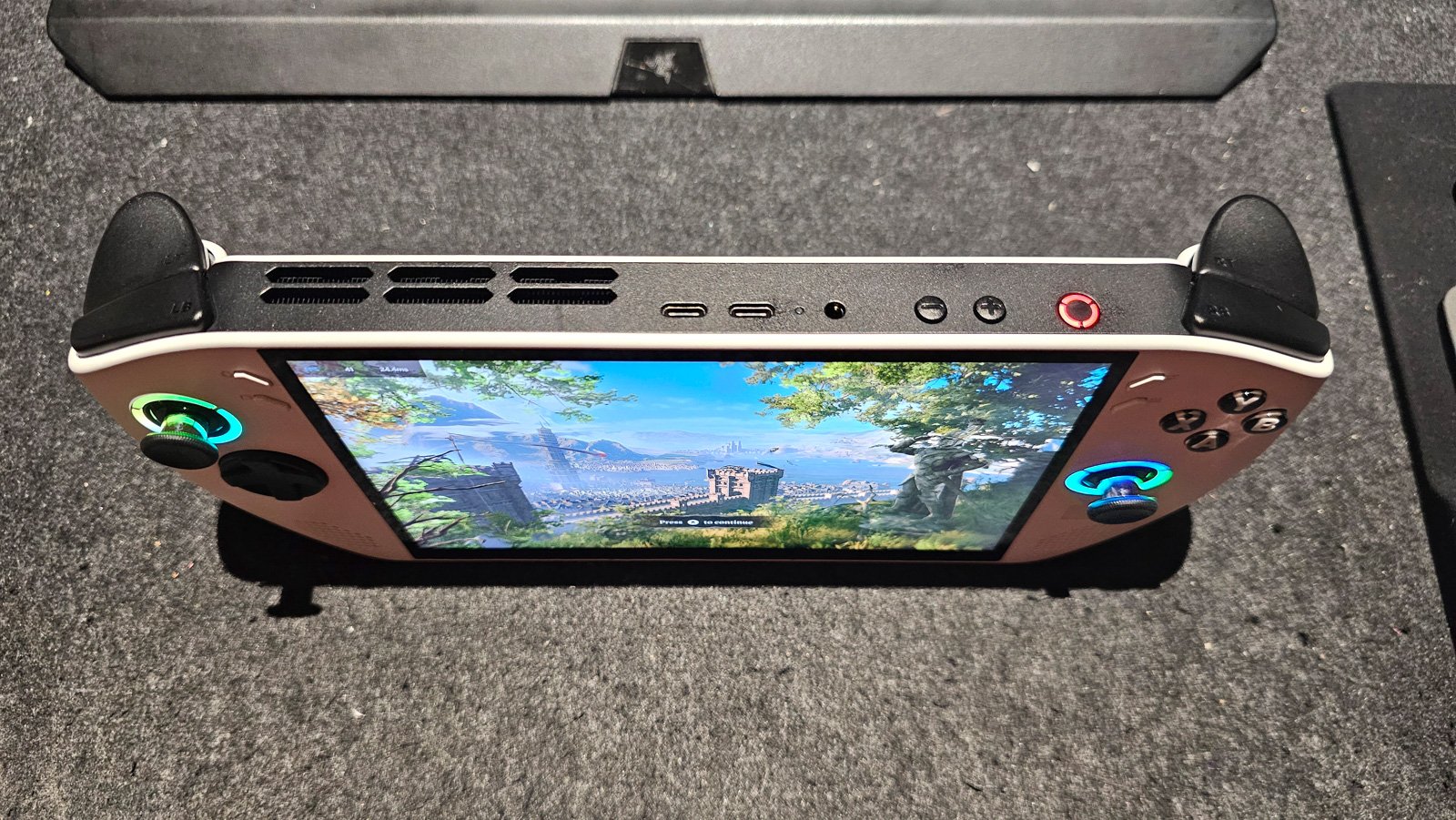
The ergonomics are excellent. The sculpted grips fit naturally into the hands, and the texture of the plastic—while smooth—offers enough grip that it doesn’t feel like it’s going to slide out of your sweaty palms during an intense boss fight.
In terms of weight, it’s lighter than its predecessor, hovering around the 730g mark. While that is an improvement, let’s not kid ourselves: it’s still a hefty boy compared to a smartphone or a Switch Lite. It feels great for short bursts, but if you’re clocking in a long gaming session, you are going to feel gravity doing its work.
For those long-haul flights or lazy Sunday afternoons, I actually recommend investing in a third-party stand or holder and pairing it with a Bluetooth controller. It turns the device into a mini-TV, saving your wrists from fatigue.
The Display: Not OLED, But Close Enough
Let’s talk about the screen, because it is undeniably a highlight. The Legion Go S rocks an 8-inch IPS touchscreen with a 1920×1200 resolution.
Now, I know what you’re thinking: “It’s not OLED.”
And you’re right. As someone who loves the deep blacks of OLED technology, I usually turn my nose up at LCDs. But credit where credit is due—this is a fantastic panel. In fact, many reviewers and users agree that aside from the Steam Deck OLED, this is arguably the best screen in the handheld market. The colors are vibrant, the text is crisp, and it hits about 500 nits of brightness, which is plenty for most lighting conditions.
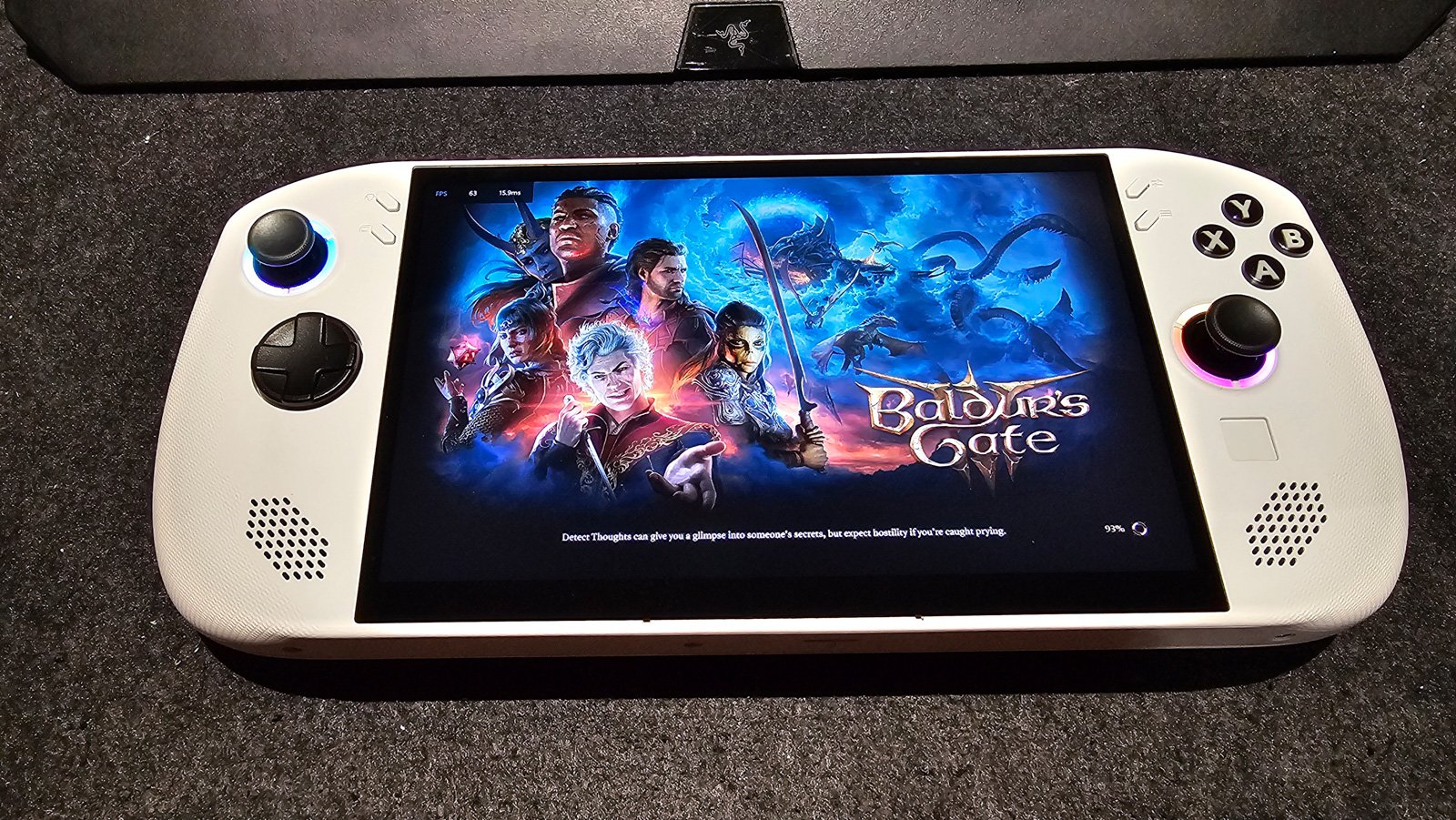
But the real star of the show is the 120Hz refresh rate. Even if you aren’t hitting 120 FPS in AAA games, the fluidity it brings to the Windows UI and lighter indie titles makes the whole experience feel premium and responsive. It’s one of those things that, once you see it, is hard to unsee.
The OS Dilemma: Why Windows Wins for Me
The unit I am reviewing comes with Windows 11 Home. I know Lenovo also offers a SteamOS version, which is objectively better for battery life and gives you that instant “pick up and play” console feel.
But for my specific use case, the Windows version is actually superior. Why? Versatility.
Since the Legion Go S is essentially an 8-inch tablet with controllers, having Windows means I am not just carrying a game console. I am carrying a full PC. I can browse the web with a desktop browser, listen to Spotify, or watch movies. If things get desperate, I can even use it for actual work.
I found myself connecting a foldable Bluetooth keyboard and a mouse at a café to fire off some emails. It works flawlessly. Having that capability is precious to me because it means I do not always have to bring my laptop.
Another huge plus is the gaming freedom. On Windows, you are not stuck in just one ecosystem. Lenovo actually streamlines this with Legion Space, which lets you download and install platforms like Steam, Epic Games, GOG, and Xbox directly from the app. You do not have to hunt for installers in a browser or deal with workarounds. You just set up your accounts, and your entire library is ready to go.
Sure, Windows is less efficient than SteamOS , and the sleep/wake function can still be finicky. But for the ability to use this as a mini-computer that plays everything, I am willing to sacrifice a bit of battery life.
Performance: Managing Expectations
Here is where we need to have a reality check. The Legion Go S is powered by the AMD Ryzen Z2 Go, which is a tier below the “Extreme” chips found in the flagship models.
What does this mean for you?
If you are hoping to run Cyberpunk 2077 or the latest Assassin’s Creed at high settings and 60 FPS, you are going to be disappointed. I tried these graphic-demanding titles, and the reality is stark: you either have to lower the graphic settings to the absolute floor, or deal with stuttering that sucks the enjoyment out of the game. It just doesn’t feel “good” to play.
However, that doesn’t mean it can’t handle heavy hitters—you just have to be smart about it.
I tested titles like Baldur’s Gate 3 and Final Fantasy VII Remake. Running at 1280×800 resolution with a mix of low-to-medium settings, I was getting a manageable 20 to 40 FPS. Is it silky smooth? No. Is it playable? Absolutely. For a turn-based game like Baldur’s Gate 3, 30 FPS is perfectly fine for playing on the train.
Where the Legion Go S truly shines is with slightly older titles and indie games. Playing games from the PS4/Xbox One era, or simpler titles like Hades, Dead Cells, or Stardew Valley, is a dream. They run beautifully, look sharp on that 1200p screen, and take full advantage of the 120Hz refresh rate.
Software and Customization
Lenovo has done some decent work with their Legion Space software. It acts as your hub for games and settings.
What I really appreciate is the ease of customization. With the touch of a dedicated button, a quick settings menu slides out, allowing you to tweak the refresh rate (60Hz/120Hz), resolution (800p/1200p), fan profiles, and thermal design power (TDP) on the fly.
This is super handy and neat. If I’m just browsing files, I drop the TDP to save battery. If I’m launching a game, I crank it up. You can also remap the buttons to suit your playstyle, which is a must-have feature for a device with this many inputs.
Battery Life: The Tether of Reality
This is the Achilles’ heel of almost every Windows handheld, and the Legion Go S is no exception.
In my testing, running demanding games like Final Fantasy VII Remake on Performance Mode, I clocked about 1.5 to 2 hours of playtime. That’s enough for a short commute, but not a cross-country flight.
However, if you switch to Eco Mode, lower the brightness, and play less demanding indie games, you can stretch that to 2.5 to 3 hours, maybe even 4 if you’re really pushing the efficiency.
Here is my pro-tip: Do not leave the house without a power bank.
But not just any power bank. I recommend carrying at least a 25,000mAh (or higher) power bank that is capable of 65W power output. The Legion Go S needs that 65W juice to charge effectively while you are playing. Carrying one of these essentially double or triple your gaming time, giving you a solid 5-6 hours of gameplay, which is enough to survive most travel days.
The Good, The Bad, and The “Meh”
The Pros:
- Versatility: It’s a PC, a tablet, and a console all in one.
- Display: Fantastic 8-inch IPS panel with 120Hz. Sharp, bright, and vibrant.
- Ergonomics: Feels great in the hand, solid build quality.
- Windows Utility: Great for multimedia and light work productivity.
- Price: Generally more affordable than the flagship “Extreme” handhelds.
The Cons:
- Battery Life: Without a power bank, you’re on a short leash.
- Weight: Comfortable for short bursts, but heavy for marathons.
- Performance Ceiling: Struggles with the newest AAA titles; not future-proof for high-end gaming.
- Windows Quirks: Sleep mode isn’t instant; navigating Windows via touch can still be annoying sometimes.
Final Verdict: Who Should Buy This?
So, who is the Lenovo Legion Go S actually for?
If you are a hardcore gamer who needs to play the newest AAA titles at high settings, this is probably not it. You should look at the more expensive flagship models like the Legion Go 2 or the ROG Ally X.
However, the Legion Go S is a fantastic choice for:
- The “Backlog” Gamer: Someone who wants to catch up on amazing titles from 3-5 years ago.
- The Casual Traveler: Someone who wants entertainment on the go but doesn’t want to lug around a laptop.
- The Budget-Conscious: Those who want a premium handheld experience without spending flagship-level money (RM5k+).
- The Multi-Tasker: Someone who sees value in having a portable Windows tablet for media and light work.
It is a versatile machine that fits a very specific, very common niche. It bridges the gap between your phone and your gaming rig, and despite its flaws, it has completely changed the way I look at “waiting time.”
If you stick to older titles, indie gems, and bring a hefty power bank along for the ride, the Legion Go S is a companion you won’t want to leave home without.