






























Simply pointing your camera at what’s in front of you and tapping the button to snap a picture can get you good photos, but experimenting with and mastering photography tips can get you great photos.
Sponsored Ad
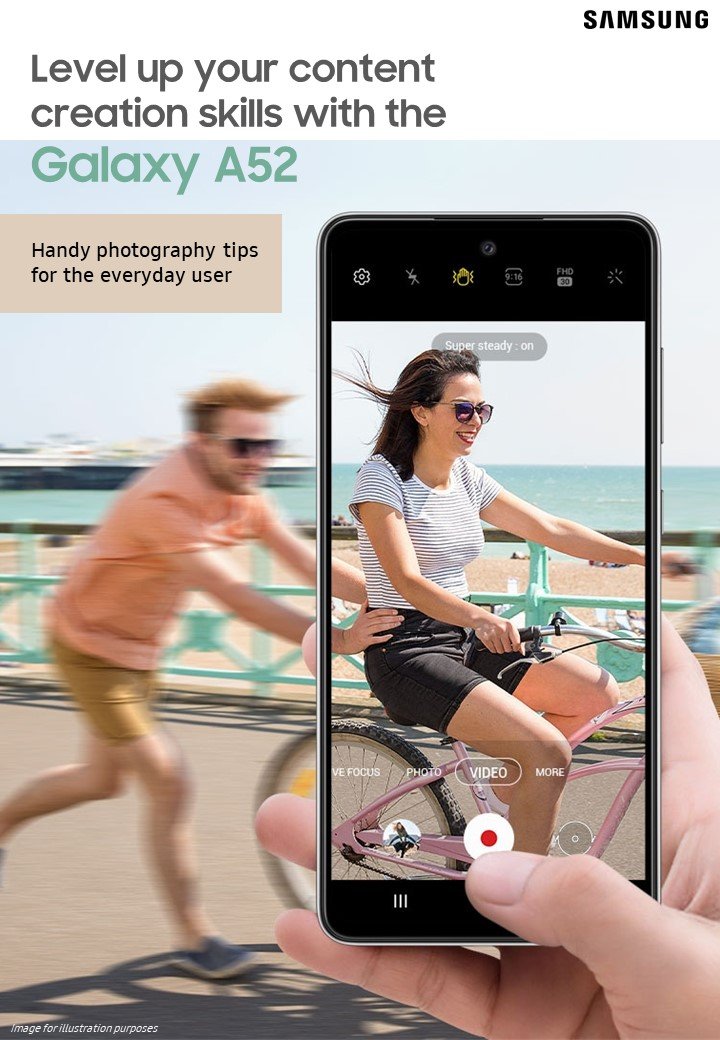
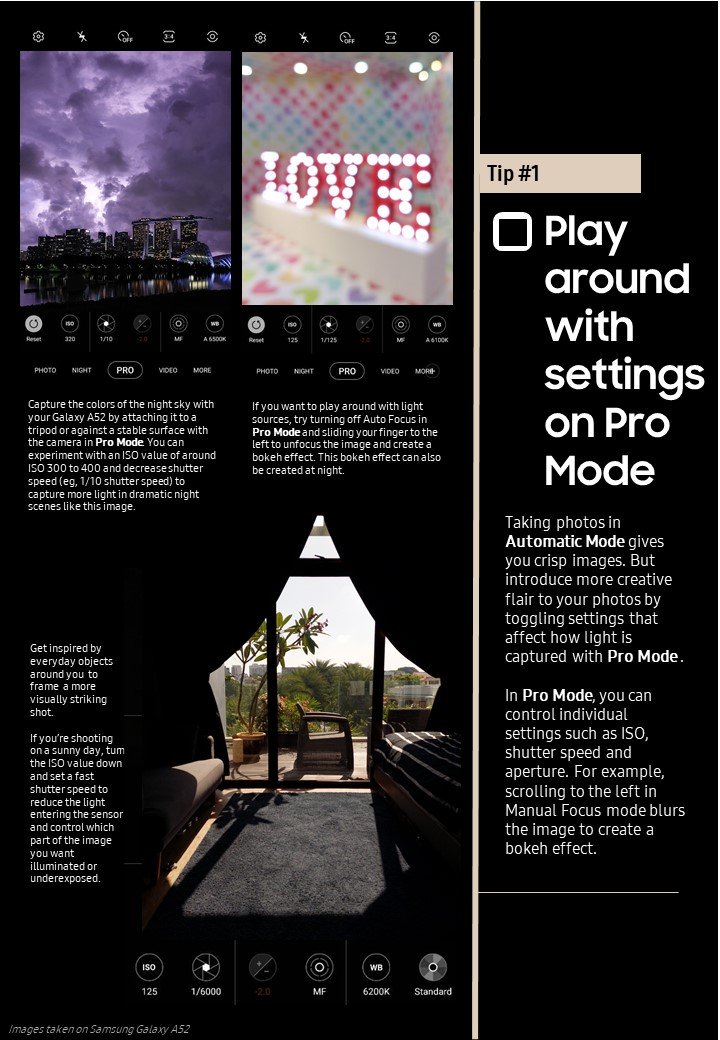
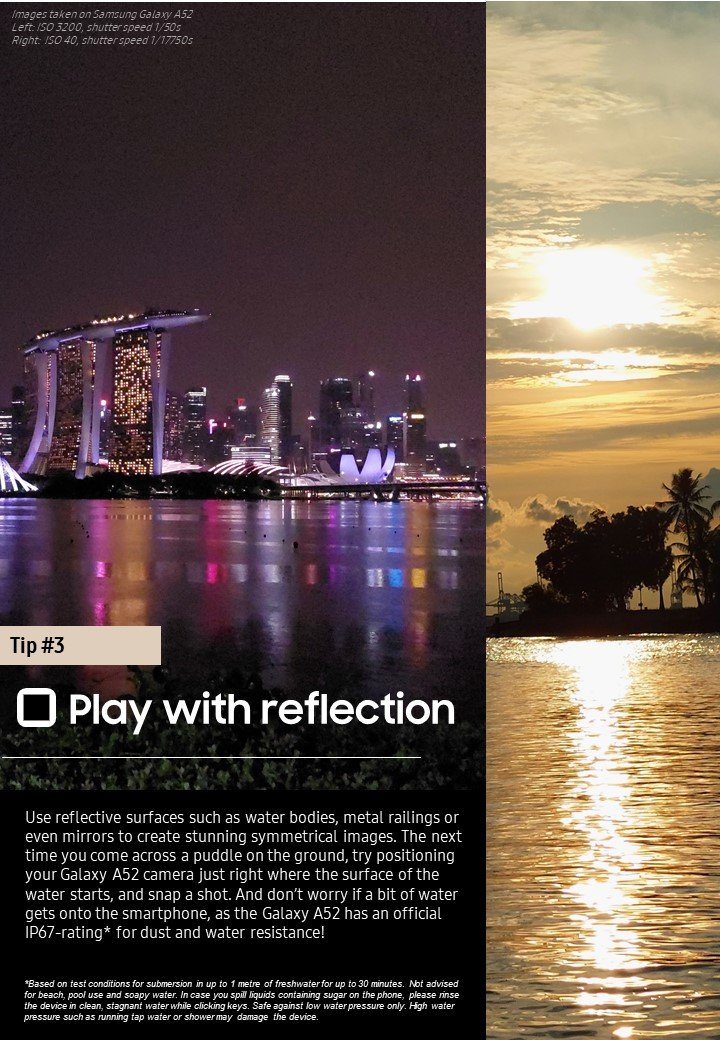
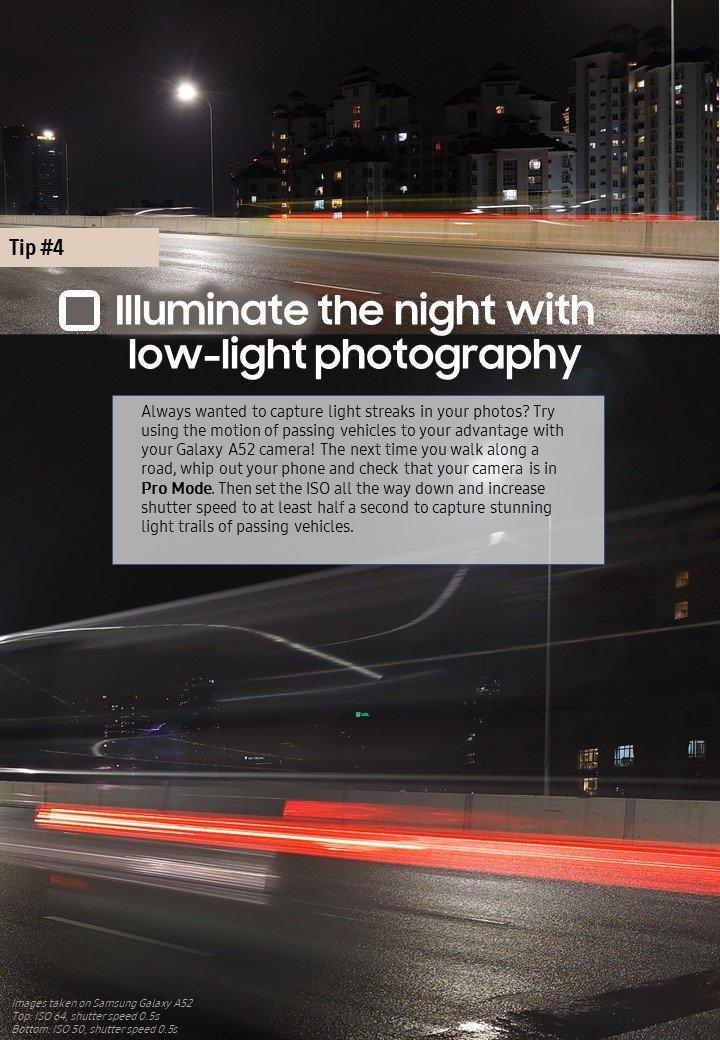
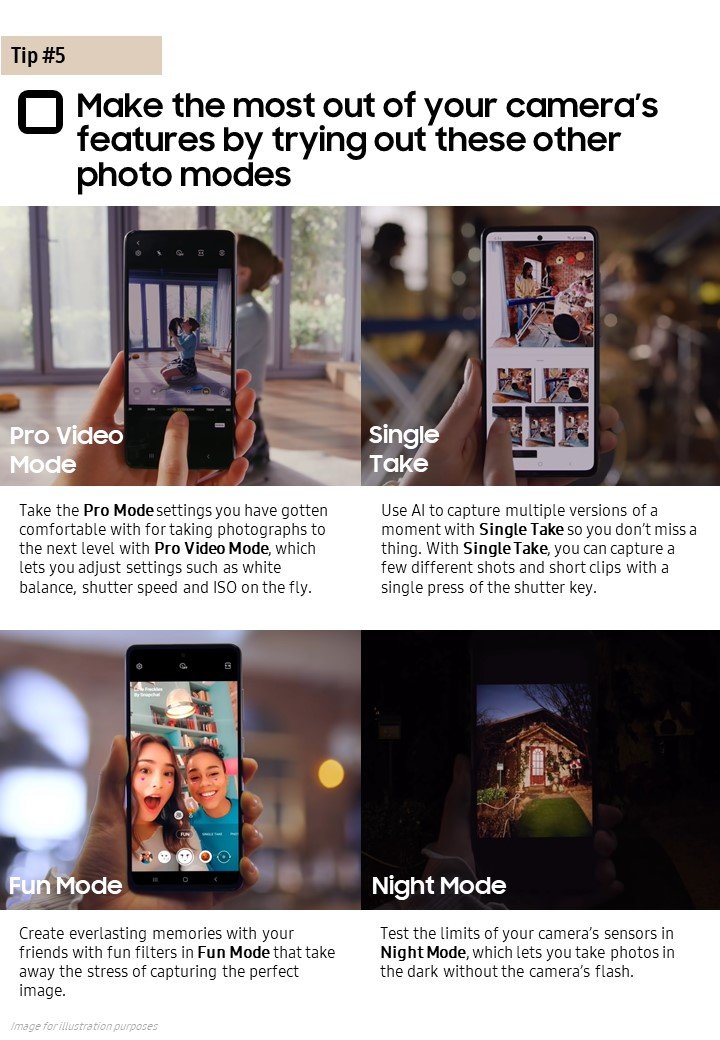
In this guide, you will find five tips to elevate your skills and create an impressive photo gallery on your Galaxy A Series device – through the lens of a Galaxy A52 5G.
Check the boxes as you make your way down the list to see what’s around you in a new way with the Galaxy A Series camera.


Sponsored Ad